
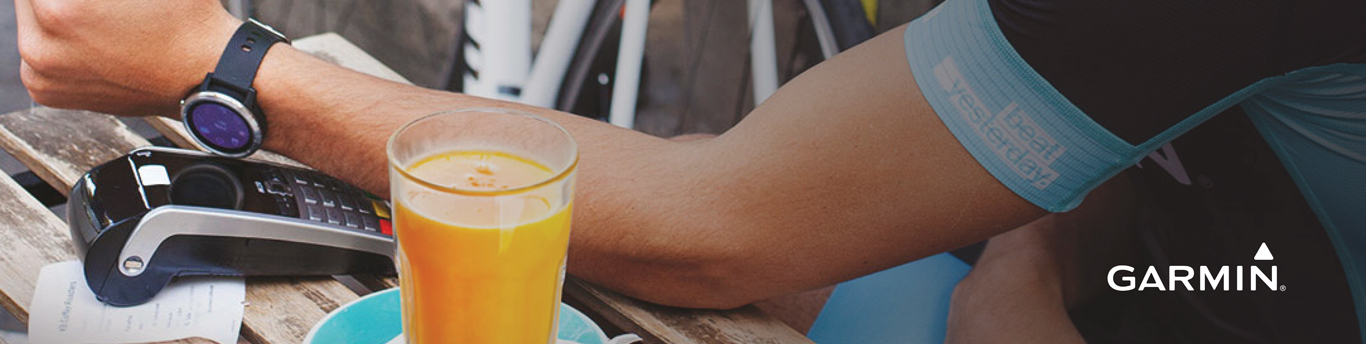
Garmin Pay
Make easier, faster and secured purchases anywhere, anytime with Burgan bank contactless payment solutions.

Garmin Pay
Make secure, contactless payments directly from your Garmin smartwatch using your Burgan Bank debit, credit, or prepaid card. Whether you’re working out mid-run, post-cycle, pre-swim, running errands, or traveling, you can leave your wallet and phone behind - just tap your watch at any contactless payment terminal and you’re good to go!
Secure : Garmin Pay provides a secure way to make payments directly from your Garmin smartwatch. Your card details are never stored on your device, and each transaction is authorized with a PIN, ensuring peace of mind with every purchase.
Simple : Designed for an active and sporty lifestyle, Garmin Pay allows you to leave your wallet and phone behind. Simply tap your Garmin watch at any contactless terminal, and you're ready to go - making it perfect for workouts, running errands, or traveling
Speedy: Get through payments quickly without slowing down your pace. With Garmin Pay, payments are processed in seconds, so you can stay focused on your activity and continue with your day without interruption.
Garmin Pay is available to all Burgan Bank Debit, Credit, and Prepaid cardholders. Simply link your Burgan Bank card to your compatible smart device and enjoy seamless, contactless payments wherever you go!
Vivoactive 3 Vivoactive 3 Music Forerunner 645 Forerunner 645 Music Fenix 5 Plus Fenix 5S Plus Fenix 5X Plus D2 Delta S D2 Delta D2 Delta PX
-
Download the Garmin Connect App
Download the latest version of the Garmin Connect Mobile app from the App Store or Google Play and ensure your Garmin watch is charged. -
Select Your Garmin Device
Open the Garmin Connect app and tap 'Garmin Devices'. Choose your Garmin smartwatch model to proceed. -
Create Your Garmin Pay Wallet
Tap on your device image, select ‘Garmin Pay’, and tap ‘Create Your Wallet’ to start the setup process. -
Add Your Card and Secure Your Wallet
Enter your Burgan Bank card details, create a passcode for security, and accept the Terms and Conditions. -
Verify and Start Using
Enter the Authentication Code sent via SMS to your registered mobile number. Once completed, your card is ready for use with Garmin Pay!
To pay with your watch:
- Hold the button that allows you to access the watch's Control Menu
- Tap the Wallet icon and enter your 4-digit passcode. Navigate using the Up and Down buttons if you have a button driven interface
- Select the card you want to use by swiping up or down or using the Up and Down buttons
- Hold your wrist near the contactless terminal. A green tick will appear when the transaction is successful
- You will be prompted to enter your passcode every 24 hours or after every time you put the watch back on after taking it off.
NOTE: If you enter your passcode incorrectly three times, your wallet locks, and you must reset your passcode in the Garmin Connect Mobile app.